Form Templates
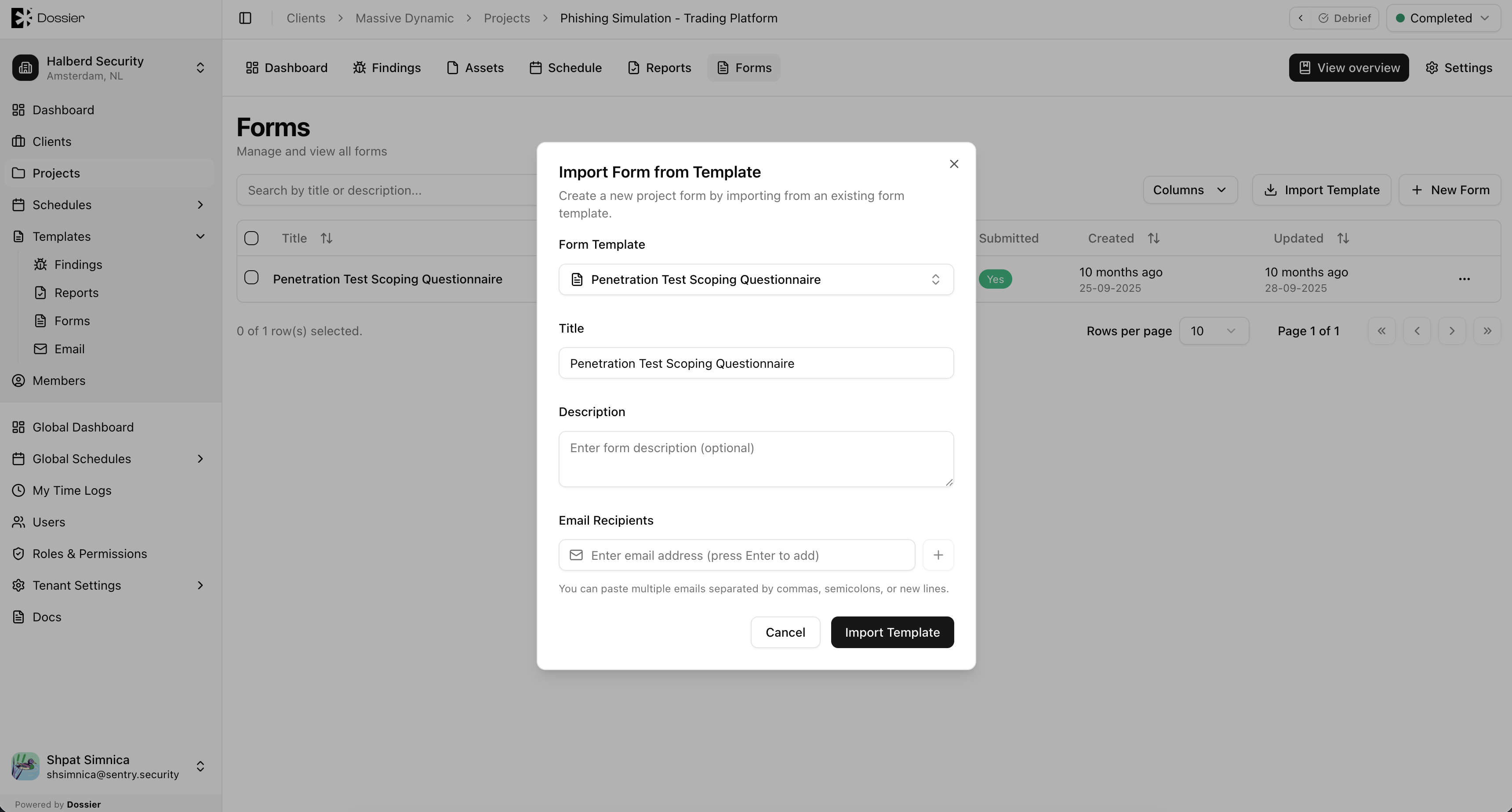
Form templates define reusable form structures with sections and dynamic fields. They are imported into projects to create client-facing questionnaires.
Accessing Form Templates
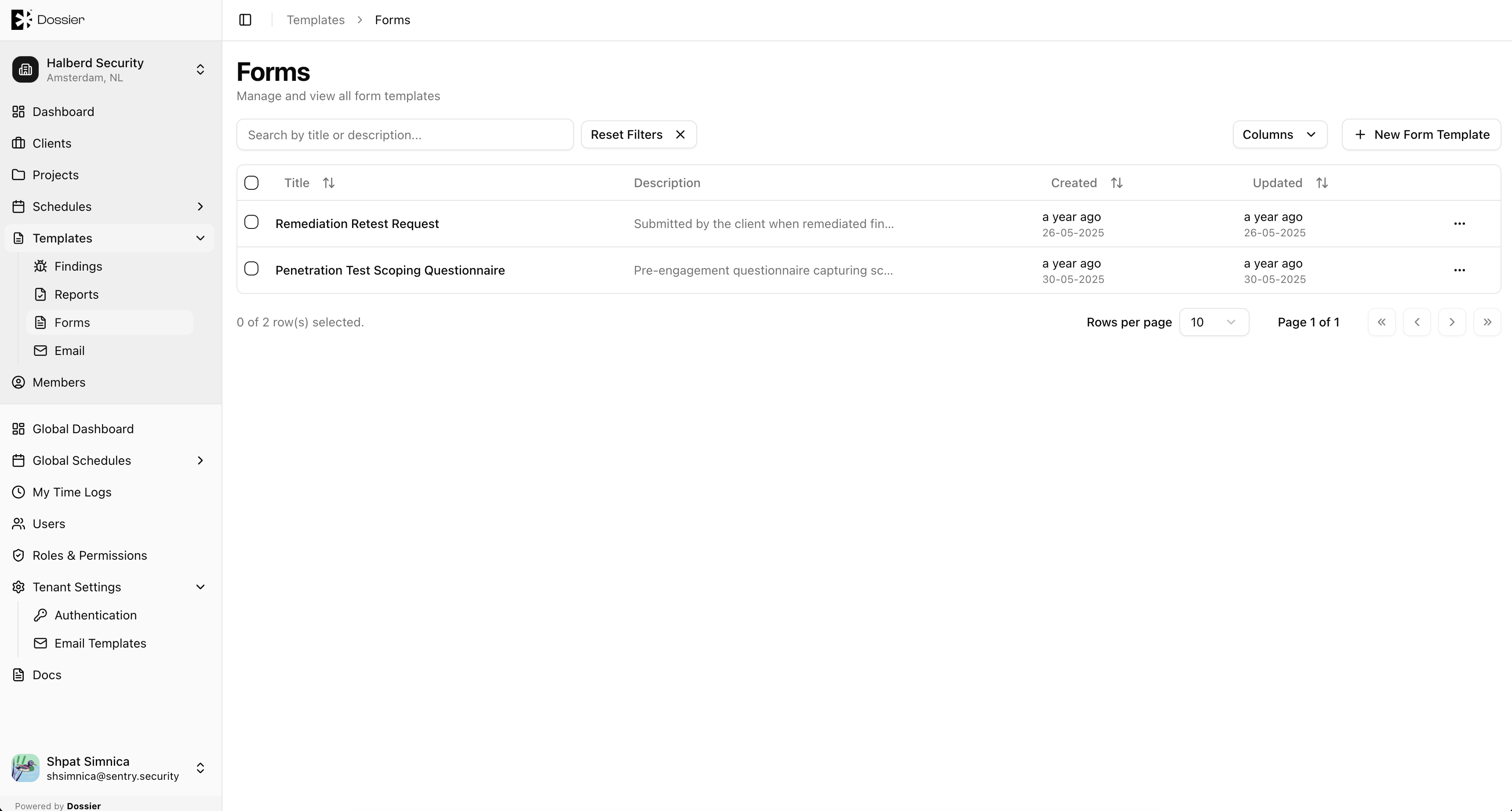
Navigate to Templates → Forms in the org-scoped sidebar.
Route: /org/:id/templates/forms
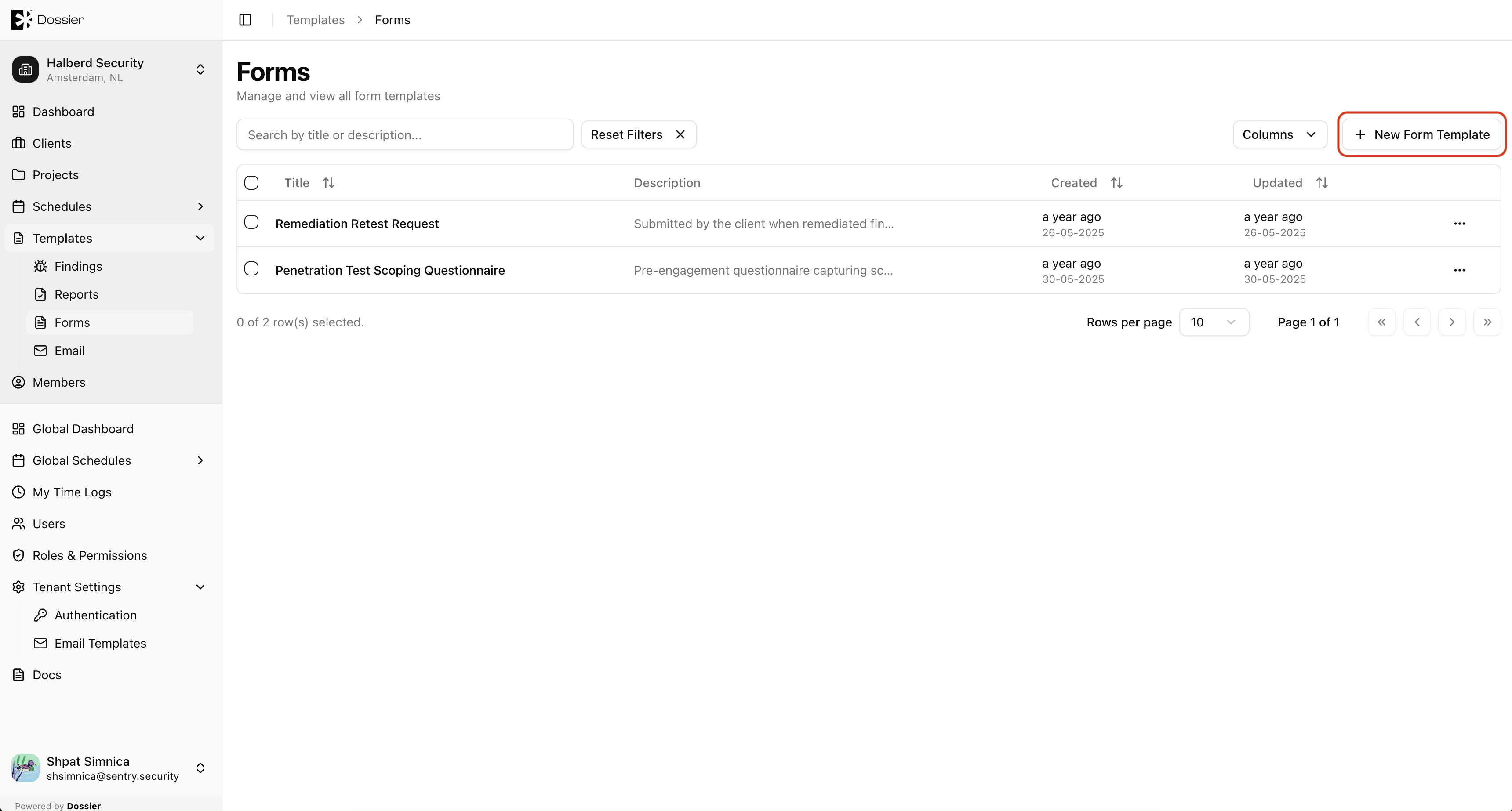
Creating a Form Template
Step 1: Click New Form Template
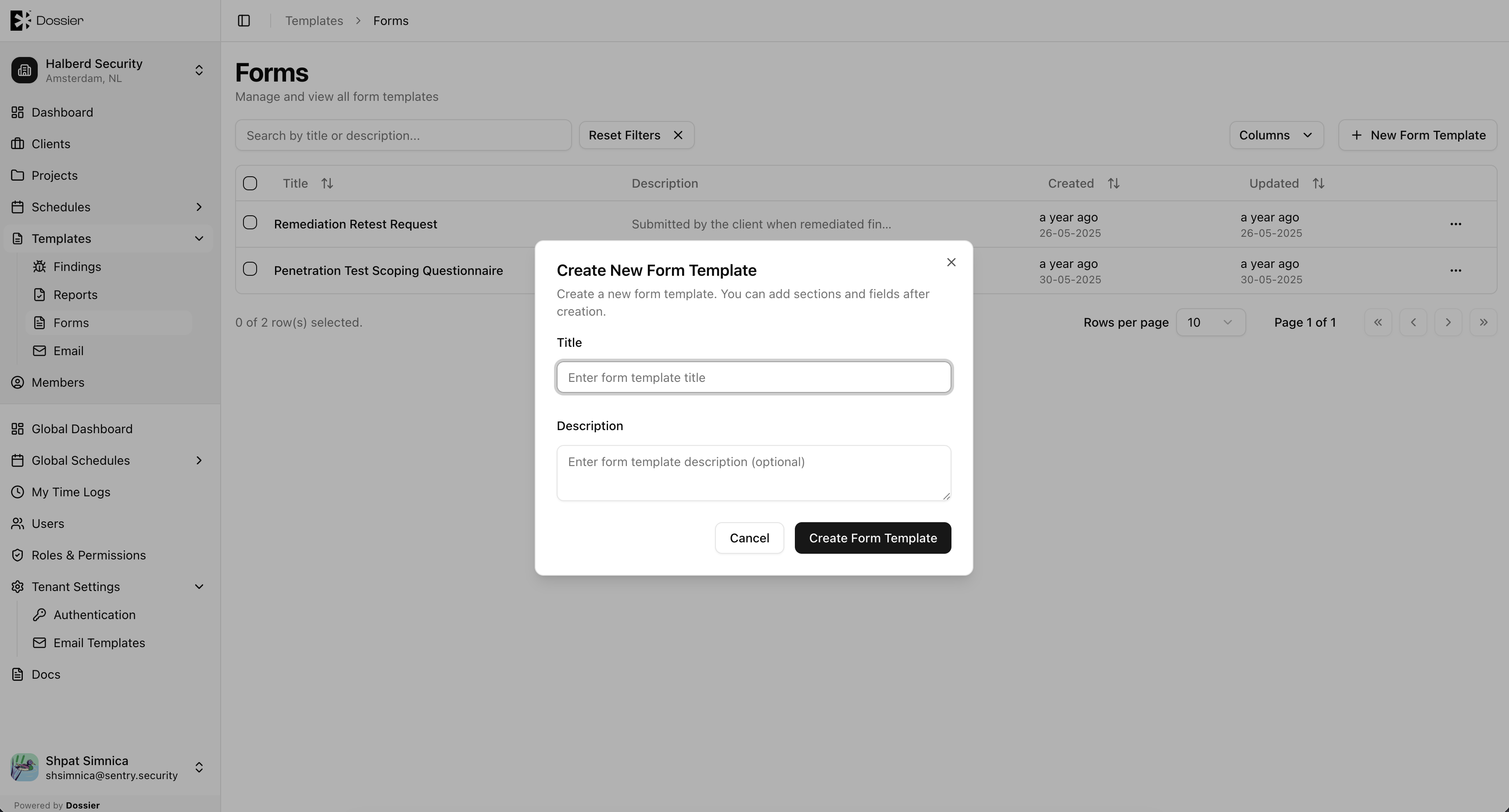
Step 2: Enter a title and click Create
Step 3: Open the form builder
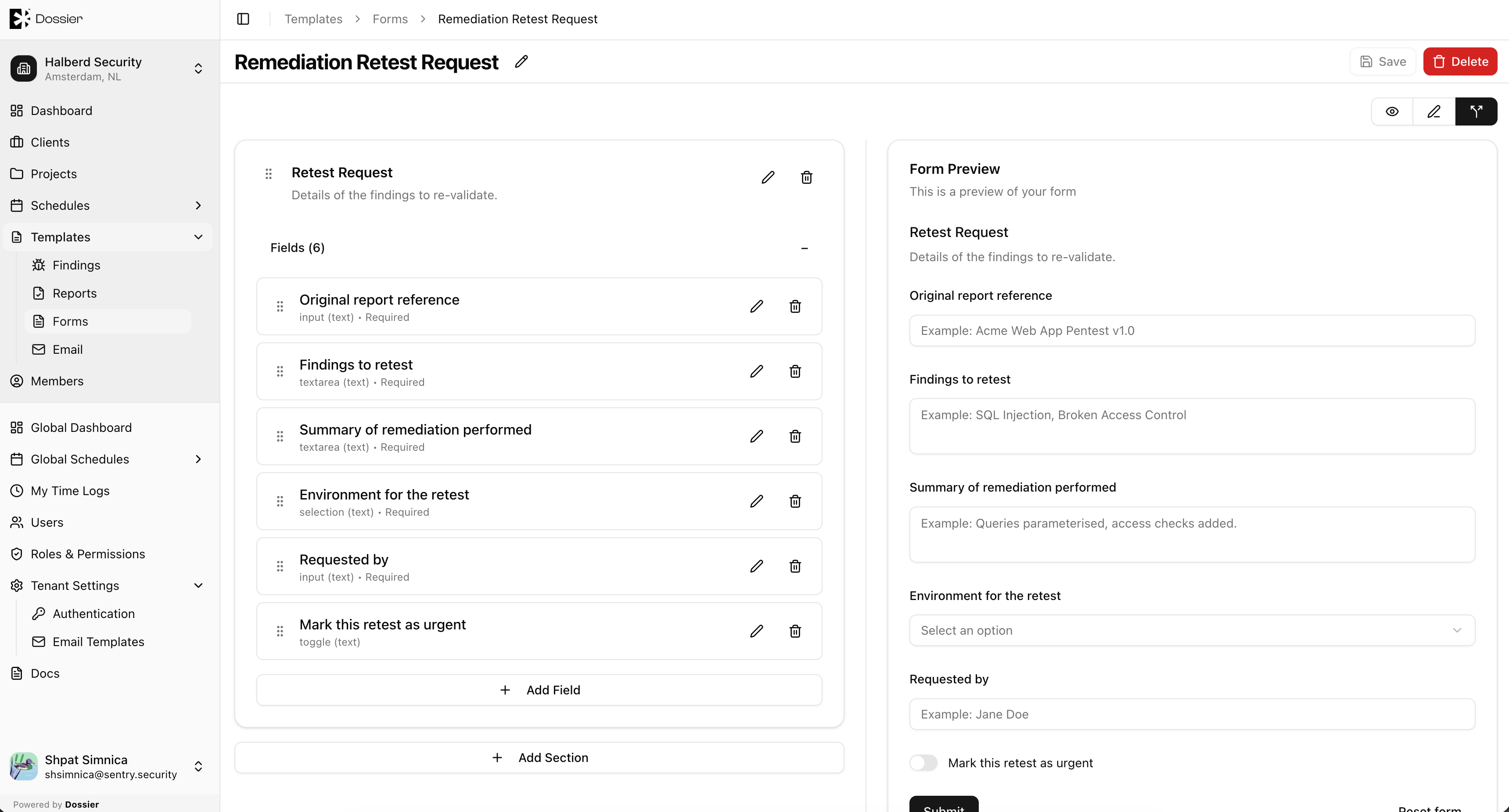
Click the template row to open the dynamic form builder.
Editing a Form Template
Use the form builder to:
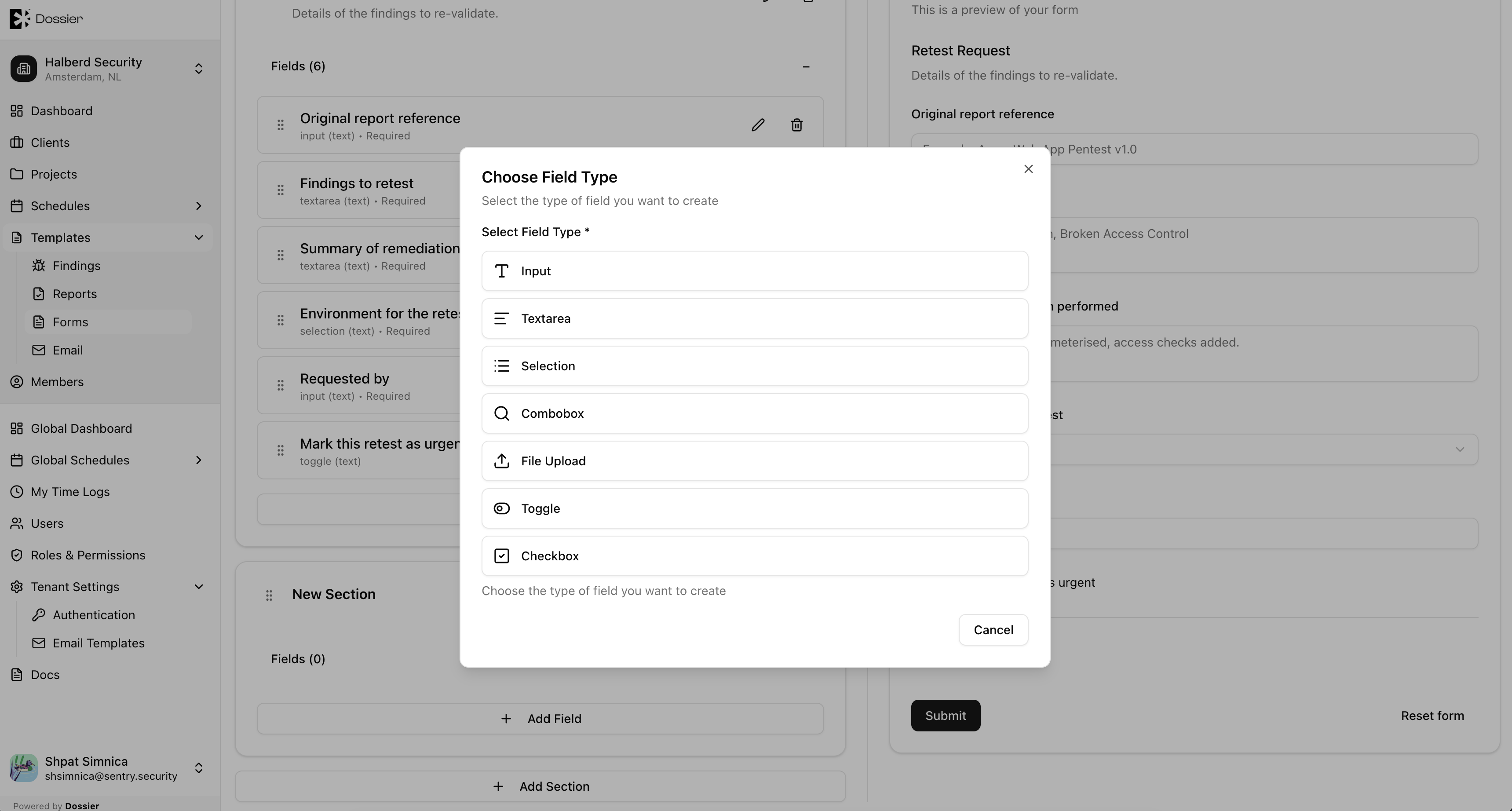
- Add and remove sections
- Configure field types (text, textarea, select, checkbox, file upload, etc.)
- Set field labels, placeholders, and validation rules
- Preview the form layout
Deleting a Template
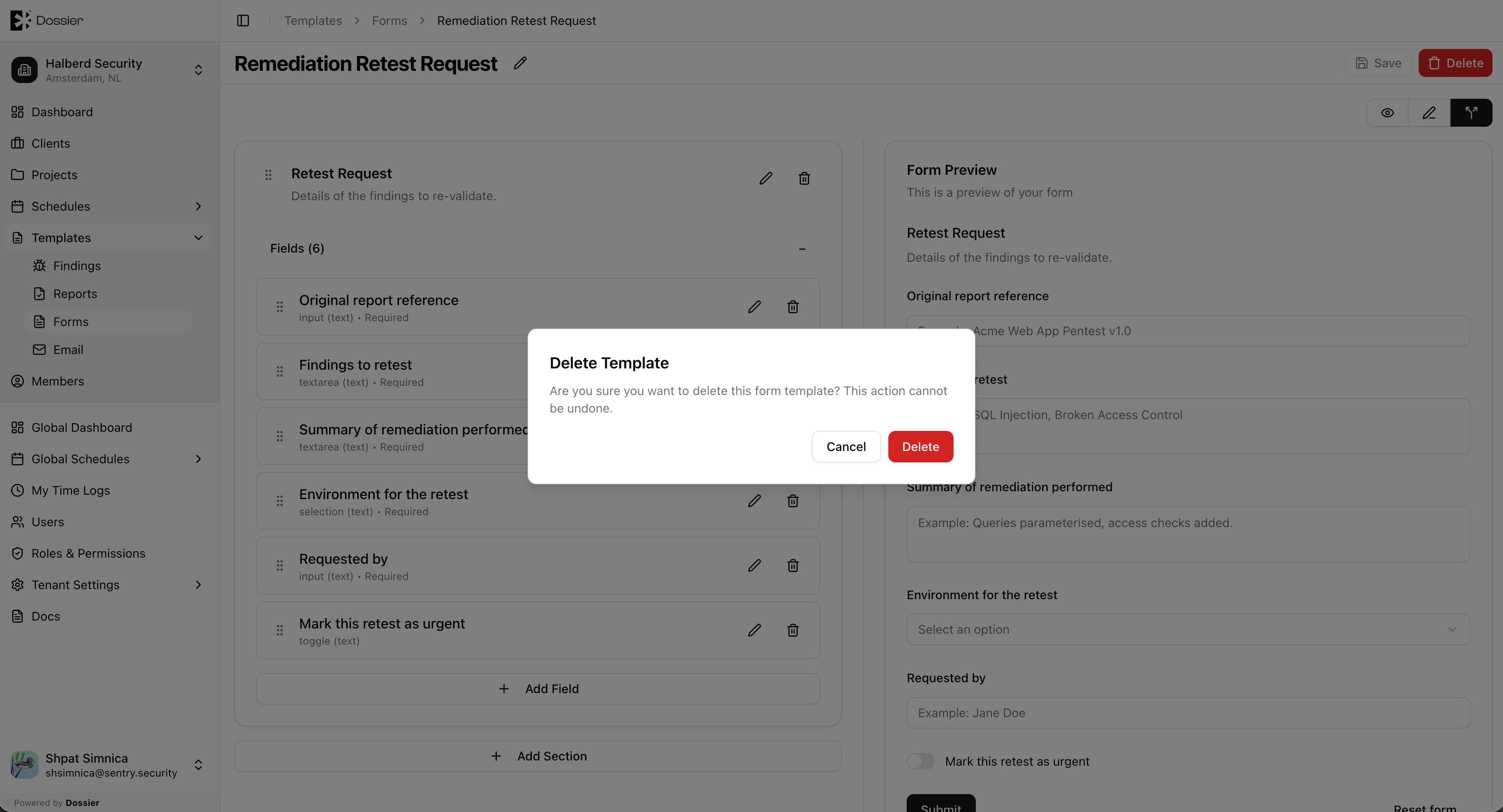
Use the row action menu or bulk delete. Confirm in the dialog.
Importing into a Project
From a project's Forms list, click Import Template and select a form template. See Manage Forms for the full workflow.